See how your business is doing.
Combine sales exports, calculate revenue and margins, compare periods and organize the data.
Result: A workbook with a clear summary.See an example →An Excel report, a client proposal, organized documents or content ready to review. LocalCommander lets ChatGPT carry out tasks in your files, Windows apps and browser.
Windows 1.11.1 · full installer · unsignedMac: beta downloadSee pricing
Choose your files and the result you need. A task can combine work across several apps and websites.
“prepare my monthly sales report”Example output: monthly-report.xlsx
Illustrative task. Results depend on the data and apps available on your connected computer.
Know someone who could use ChatGPT to get work done on their computer? Share your personal link. When they become an active LocalCommander user, you could earn three months of Pro at no charge.
Rewards are awarded after the referred user's activity is reviewed. One reward per account, subject to the pilot cap.Delegate work that takes opening apps, copying data and repeating the same steps.
Combine sales exports, calculate revenue and margins, compare periods and organize the data.
Result: A workbook with a clear summary.See an example →Draft a client proposal, organize invoices, gather attachments and fill out forms.
Result: Proposals, summaries and prepared documents.See an example →Prepare product descriptions, review orders and draft customer replies in your store dashboard.
Result: Prepared product content and customer replies.See an example →Plan a content calendar, draft posts, write video descriptions and prepare material for your accounts.
Result: Content you can review and publish.See an example →Sort folders, transform files, fill in data and move it between programs.
Result: Completed steps using your own files.See an example →Combine browser work, documents, Windows apps and technical tasks in a single assignment.
Result: A result built around how you work.See an example →Work on external websites uses your signed-in session. Available actions depend on your permissions and the app’s current interface.
Start with something you actually need to get done.
LocalCommander runs on Windows. A separate Mac beta is also available — choose your computer to see the correct setup instructions.
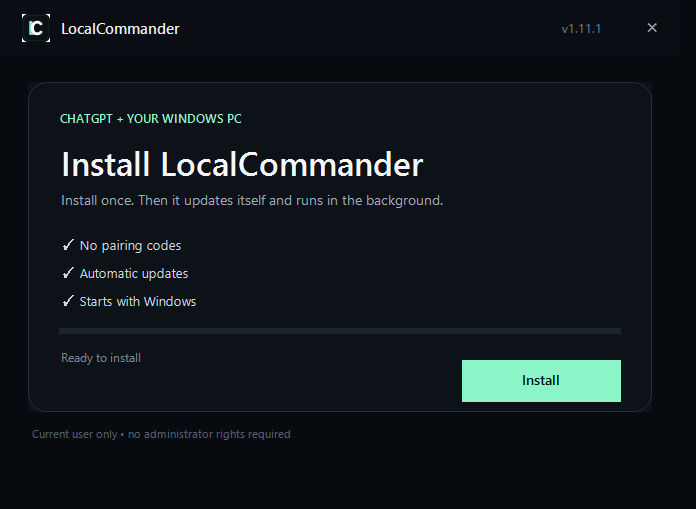
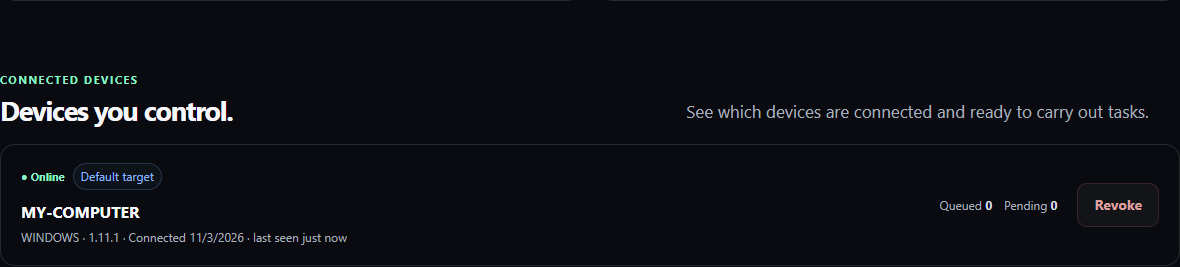
Create an account, download the app and connect your computer.
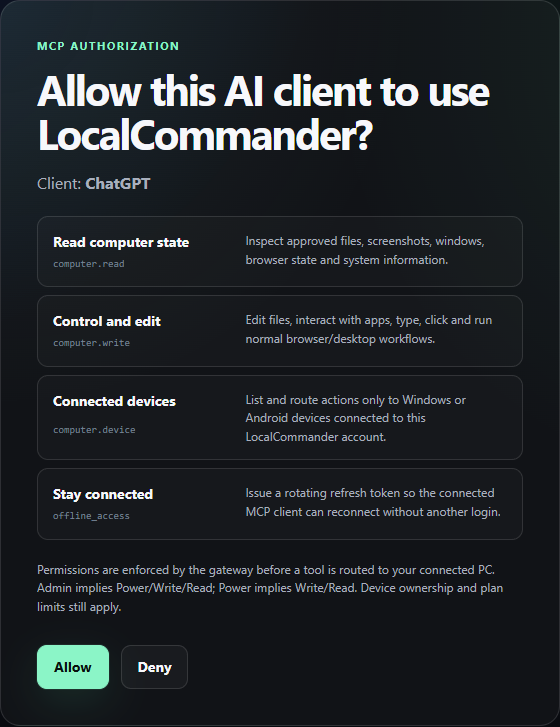
Sign in to the same account and start a conversation with the plugin.
Choose your material, describe what you need and check the output on your PC.
Free lets you test LocalCommander on your own PC. Pro is for regular work, with no monthly action cap.
1 PC · 2,000 actions / month
Up to 3 PCs · no monthly action cap*
*Infrastructure and abuse-prevention controls apply. A task may require several actions.
Document and Excel work, website and app tasks, content preparation and repetitive work. Combine several steps in one request and describe the result you need.
Describe tasks in ChatGPT using plain language. Choose the files, website or program you want to work with and explain what needs to be done.
Yes. Your computer must be online with LocalCommander running. Work in web services also requires an active session in your account.
When you use LocalCommander regularly and want to complete more work without a monthly action cap. Pro is useful on one PC and also lets you connect up to three devices.
Want to discuss a task for your business? Get in touch
Stop copy-pasting every command from AI. Learn how authorized MCP tools can read your own Windows computer and how to review the results.
The ChatGPT plugin is installed, but your computer is missing? Check the separate authorization and pairing steps before reinstalling everything.
From inventorying fields to producing a QA report—without clicking Submit before the owner approves the consequences.
Start with one task. See the result using your own files and apps.